
BlogEmail
Should I attach my pitch deck? Show the first slides in the email
"Should I attach my pitch deck or send a link?" comes up in almost every first raise. Founders debate it at length. The useful answer is that both work, both have trade-offs, and a third option sidesteps most of the debate: put your first slides in the body of the email itself.
Our pre-seed guide recommends exactly that for launch day: send each investor a personal email with your first slides in the email body, so they can judge the pitch without clicking.
Should I attach my pitch deck or send a link? The trade-offs
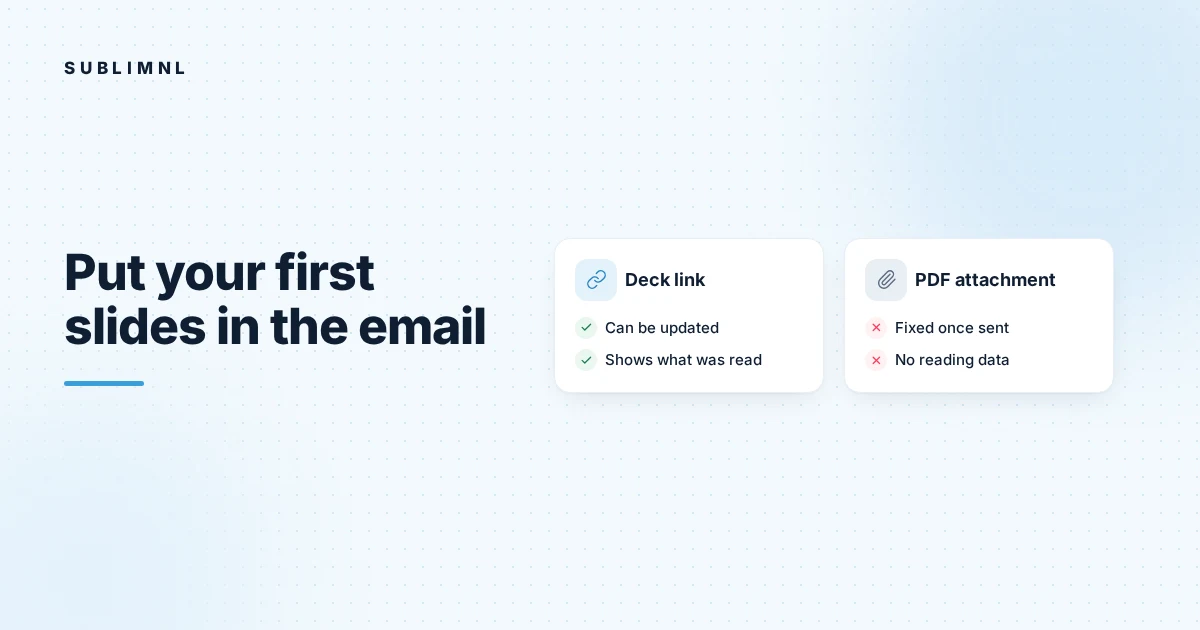
Our guide with templates for emailing investors sums it up. A link lets you update the deck and see whether it was read. An attachment is easier for some investors but can't be tracked.
Here's that in a little more detail.
A PDF attachment
Good: It's self-contained. Some investors prefer a file they can save and read offline.
Less good: Once sent, you can't update it. You won't know if it was opened. And some inboxes treat attachments from unknown senders with suspicion.
A deck link
Good: You can fix a typo or update a number after sending. If the link is tracked, you can see whether it was opened and how far the investor read, which helps you follow up on what they actually looked at.
Less good: It's one more click. A busy investor reading on a phone may not take it.
The third option: first slides in the email

Showing the opening slides inline gives the investor the gist either way. They see the problem, what you do and how it works without opening anything. If that's interesting, the full deck is one link away. If it isn't, you've saved them a click and yourself an unread attachment.
This changes the job of your email. It doesn't need to explain the company in detail, because the slides are right there. Your text can stay short: what you do, one line of proof, the ask, why them.
It also changes how the investor experiences your email. Instead of a request to go and look at something, it's a quick look at the pitch itself. Someone reading between meetings can decide in a few moments whether to open the full deck now, save it for later, or pass. Any of those is better than the email sitting unopened because the next step felt like work.
Which slides to show
Pick the slides that let an investor decide whether to keep reading:
- The problem. Who has it and why it matters now.
- How you solve it. The product in a sentence or a simple visual.
- Proof, if it's strong enough to stand on its own early.
Save the team, market sizing and financials for the full deck. Keep the inline slides light enough to load quickly on a phone.
If your opening slides don't work on their own, that's useful feedback about the deck. An investor who opens the full deck will see those same slides first, so they need to make sense without you in the room.
Making inline slides work in practice
- Use images that read on a small screen. Dense slides become unreadable when shrunk. Large text and simple visuals hold up.
- Add a plain-text line under them. Some mail apps block images by default. Your email should still make sense if the slides don't load.
- Link to the full deck clearly. One obvious link, not several.
- Send one email per investor. Only their address in the To line.
What if an investor asks for a PDF?
Send one. Some investors simply prefer files, and respecting how someone wants to receive information matters more than tracking. Just know that you won't see what they read, so follow up on a sensible default rather than on behavior.
How Sublimnl handles this
Sublimnl puts your first slides inside each investor's email, with the full deck one tracked link away, and shows you which pages each investor read. You can also attach a PDF for investors who prefer one, and Sublimnl labels it as not tracked. The FAQ covers the details, and how it works shows the full send.
FAQ
Is it better to attach a pitch deck or send a link?
Both work. A link lets you update the deck and see whether it was read. An attachment is easier for some investors but can't be tracked. Showing the first slides in the email gives the gist either way.
Can I put my whole pitch deck in the email body?
You can, but it's usually too much for a first email. Show the opening slides that explain the problem and the product, and link to the full deck.
Will investors see inline slides if images are blocked?
Not always. Some mail apps block images by default, so include a short plain-text line and a clear link to the full deck.